Your Gmail, not a platform inbox
Emails go out through the Gmail API from your own address. Coaches see a real message from you, and their replies land in your own inbox.

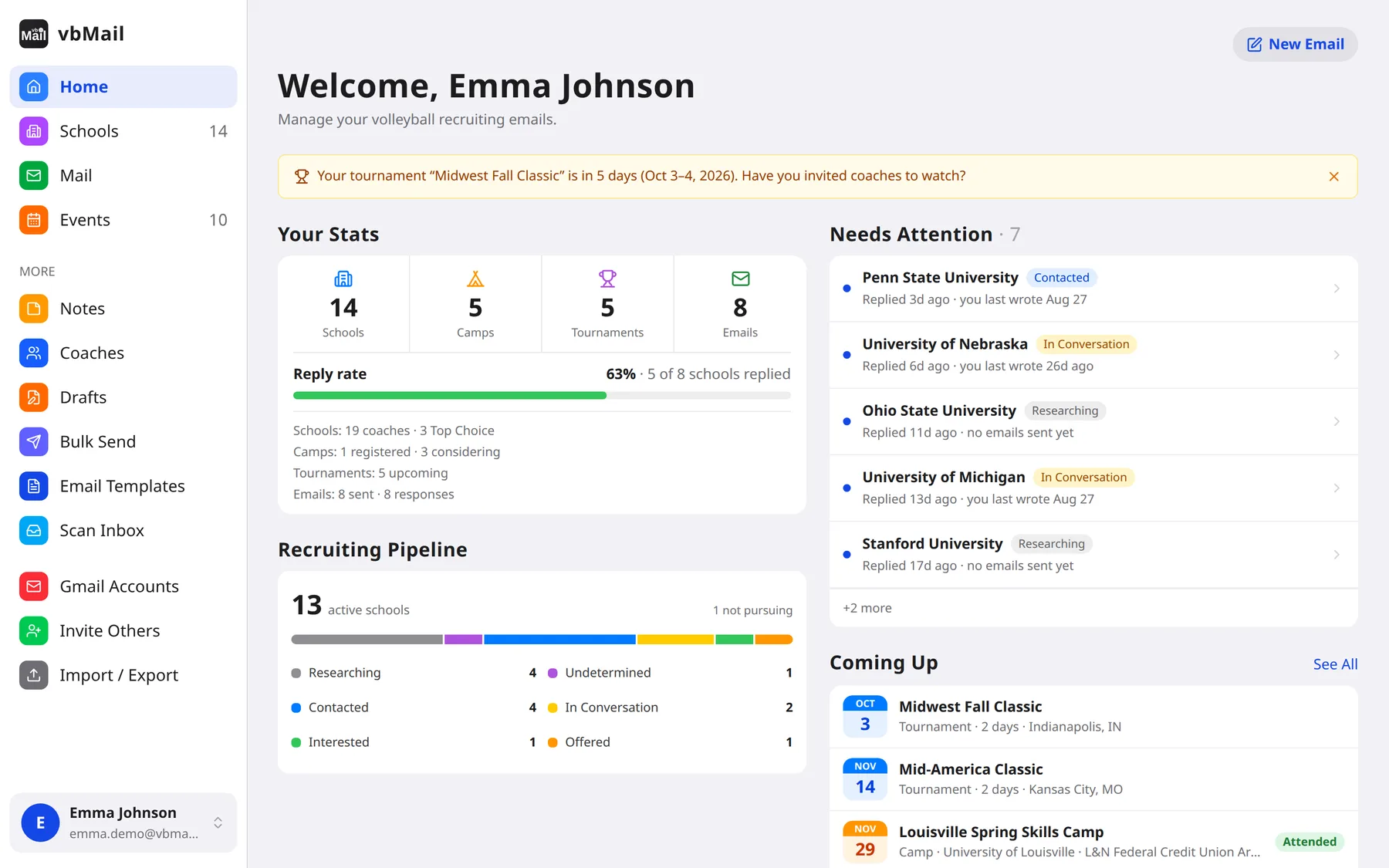
vbMail helps volleyball players and their parents keep track of every college program, every coach, every email and every camp in one place, and send polished recruiting emails to many coaches in a few clicks.
vbMail is currently available by invitation only. For more information, contact vbmail@ssmalone.net.
About vbMail
Getting noticed by college volleyball programs means emailing dozens of coaches, following up before every tournament, keeping track of who wrote back, and remembering which camp conflicts with which. Most families end up juggling a spreadsheet, a Gmail inbox and a calendar.
vbMail puts that whole process in one app. You keep your list of schools and coaches, write your email once, and send it to every coach you choose from your own Gmail account. Replies come back to your inbox, and vbMail files them under the right school so you always know where each program stands.
Emails go out through the Gmail API from your own address. Coaches see a real message from you, and their replies land in your own inbox.
vbMail doesn't scrape recruiting databases or write your emails for you. You choose the schools, you add the coaches, and every email sounds like you.
No open-tracking pixels in your emails. Gmail access tokens are encrypted at rest, and Gmail data is handled under Google's Limited Use rules.
Players own their recruiting data. Parents get their own login with full access to every linked player, and can switch between siblings.
Features
From the first introduction email to the camp you finally register for.
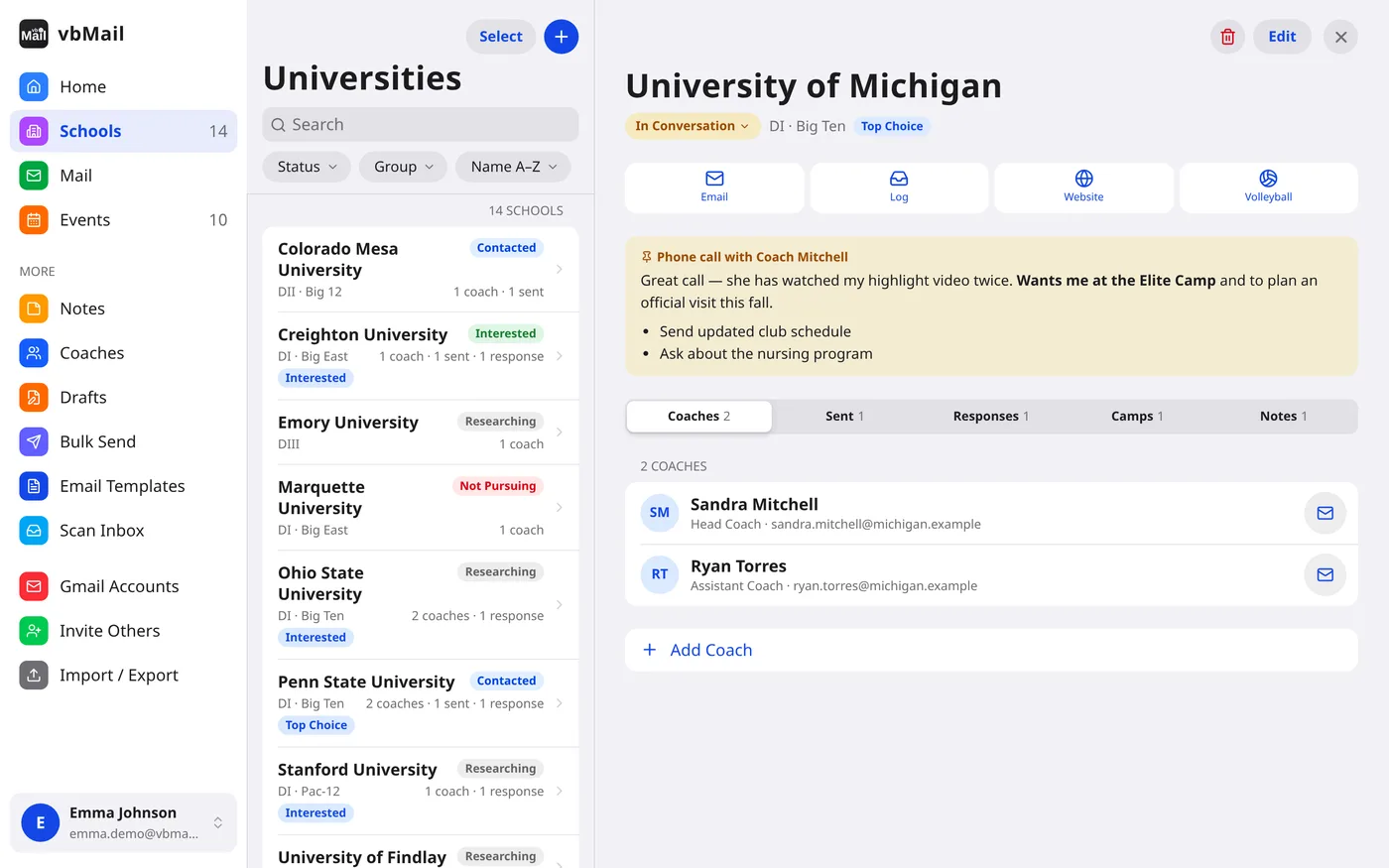
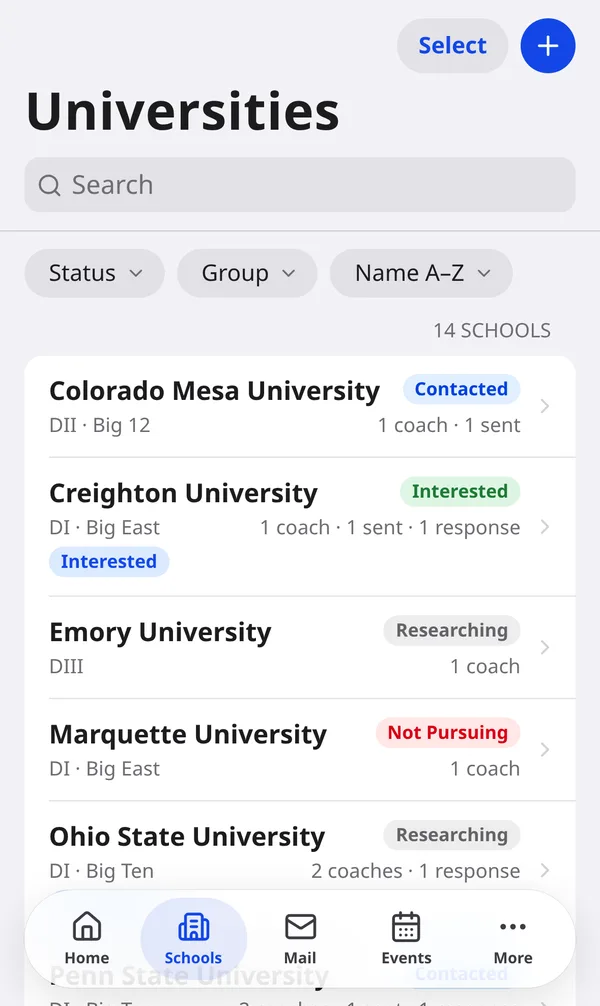
Keep every program you're considering with its division, coaching staff and a recruiting status. Sort them into groups like Top Choice, Target, Reach and Safety, and see each school's sent emails, replies, camps and notes on one page.
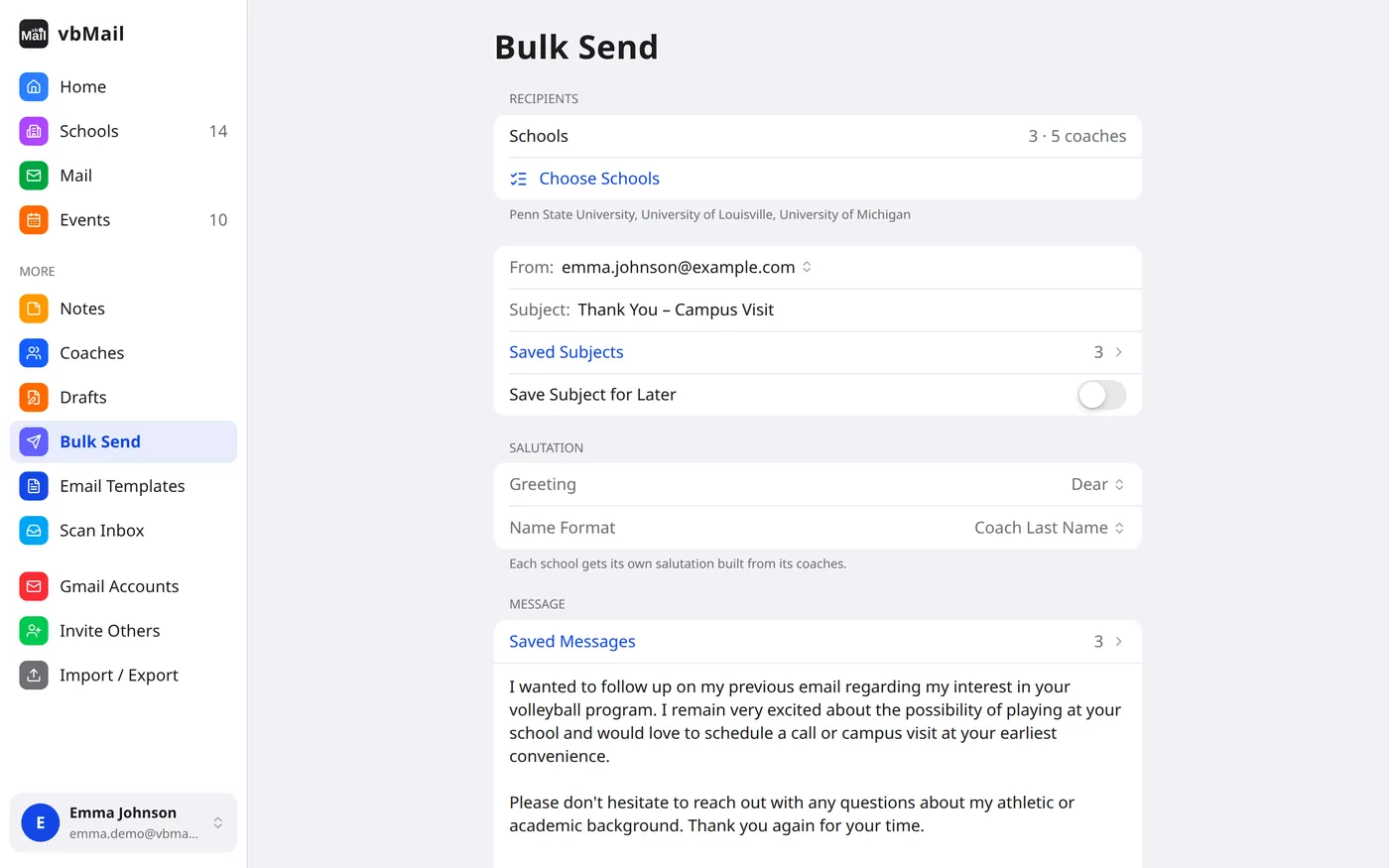
Compose to a single school or bulk send to a whole list. When a school has several coaches, vbMail puts them all on one email, or sends each coach their own copy if you prefer.
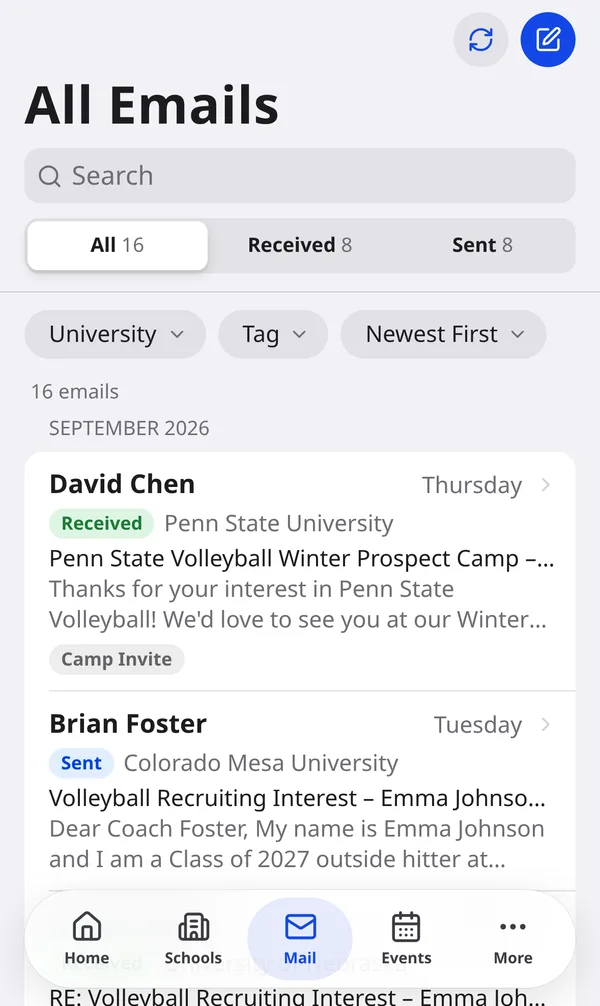
Scan your Gmail inbox and sent folder and vbMail matches each message to its school and coach. New coaches who write to you are added automatically. Sent and received mail sit together, grouped by month, with search and filters.
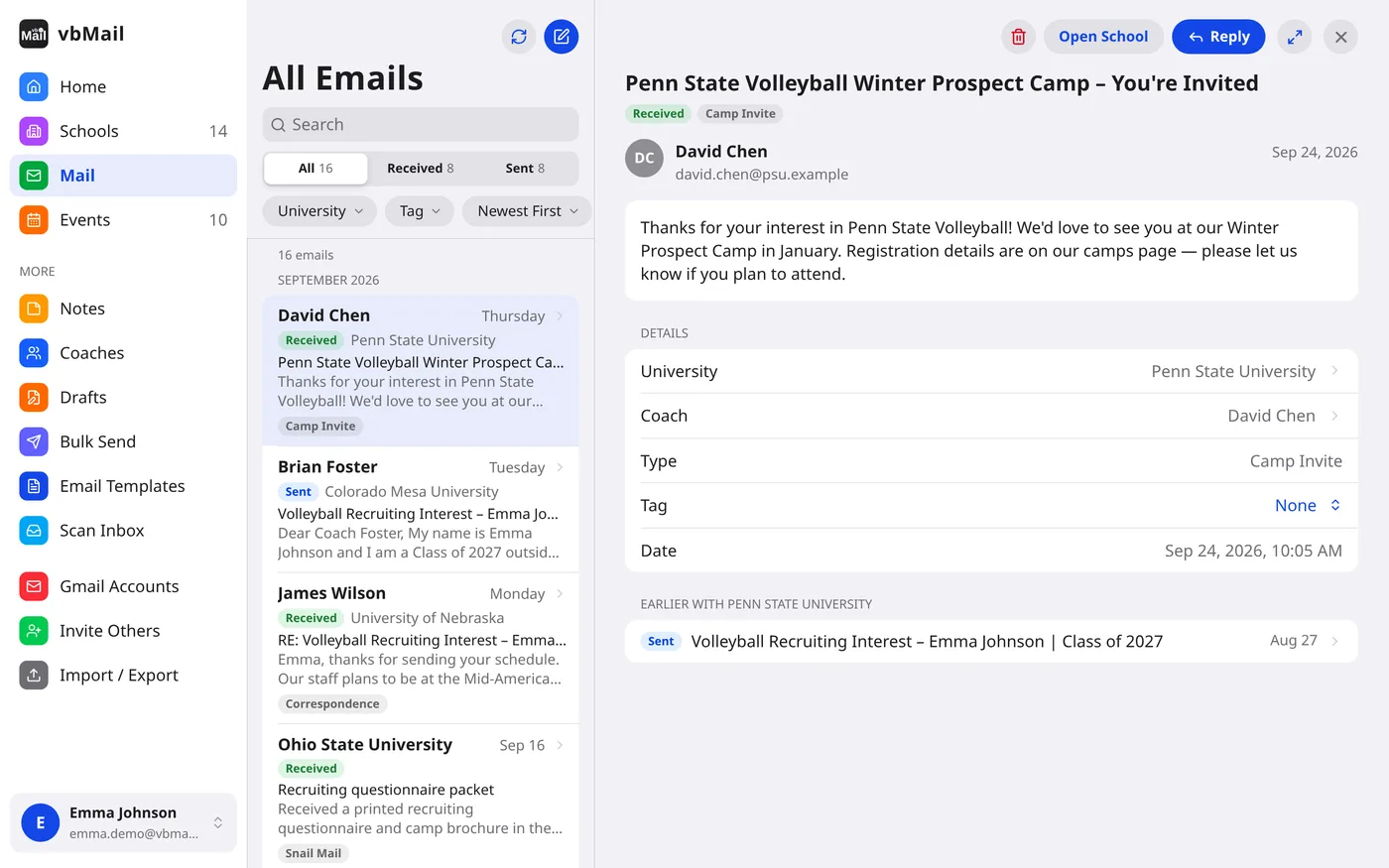
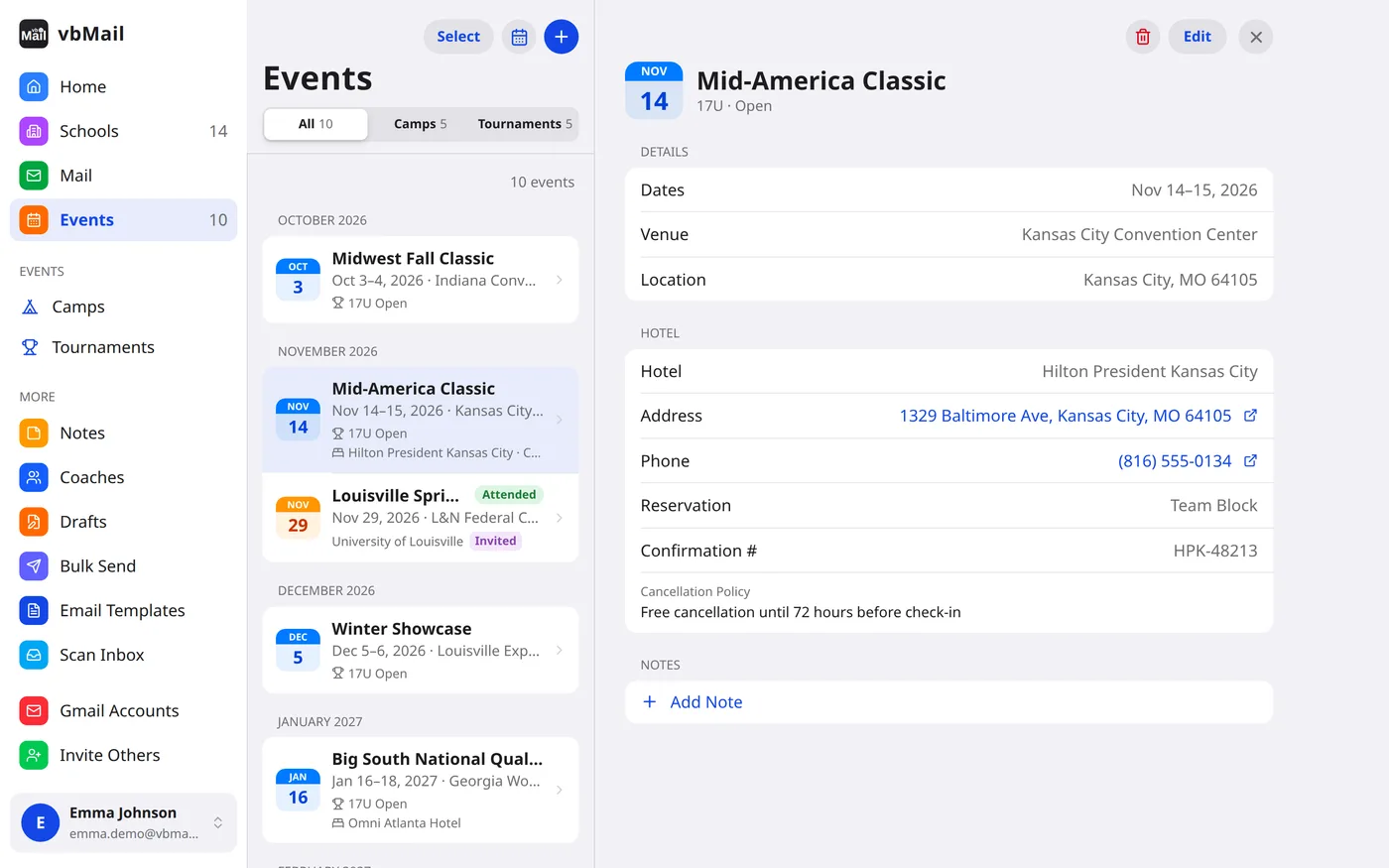
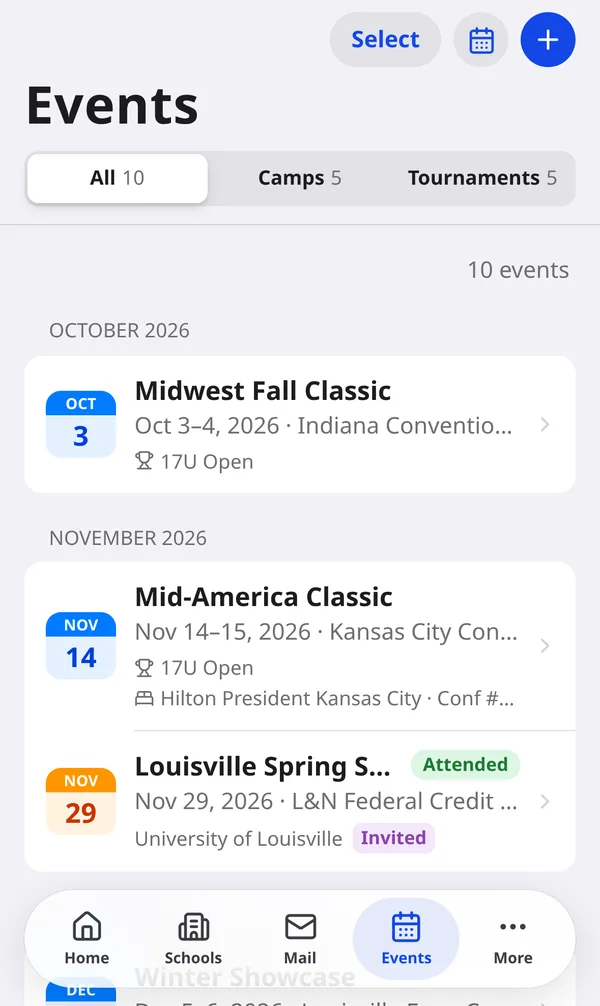
Track camp invites from schools alongside your own club tournament schedule. Multi-day events span the calendar, conflicts are flagged, and registering for one camp declines the ones that overlap it.
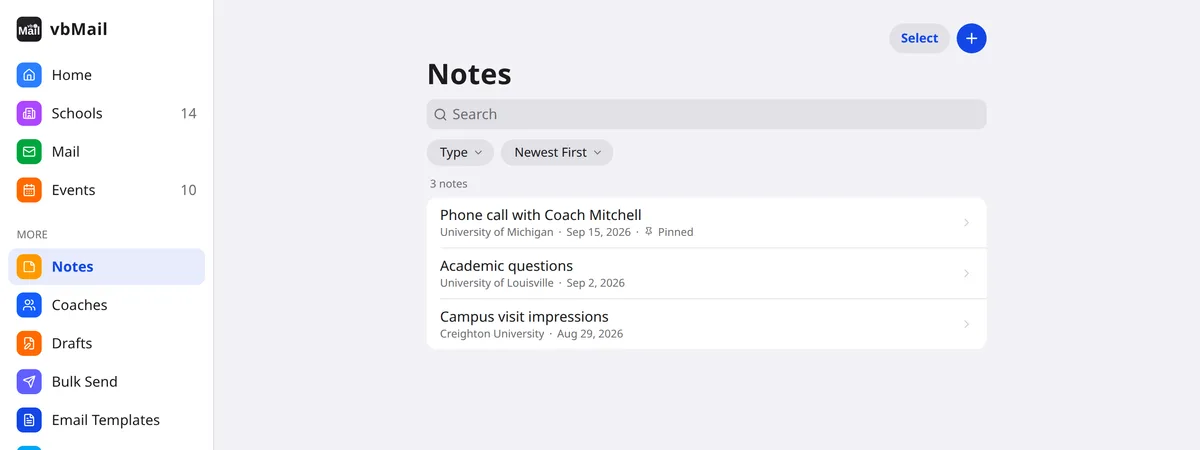
Keep a dated log on any school, coach, camp or tournament, with formatting and an attached photo or PDF. Pin the note that matters to the top of its page.
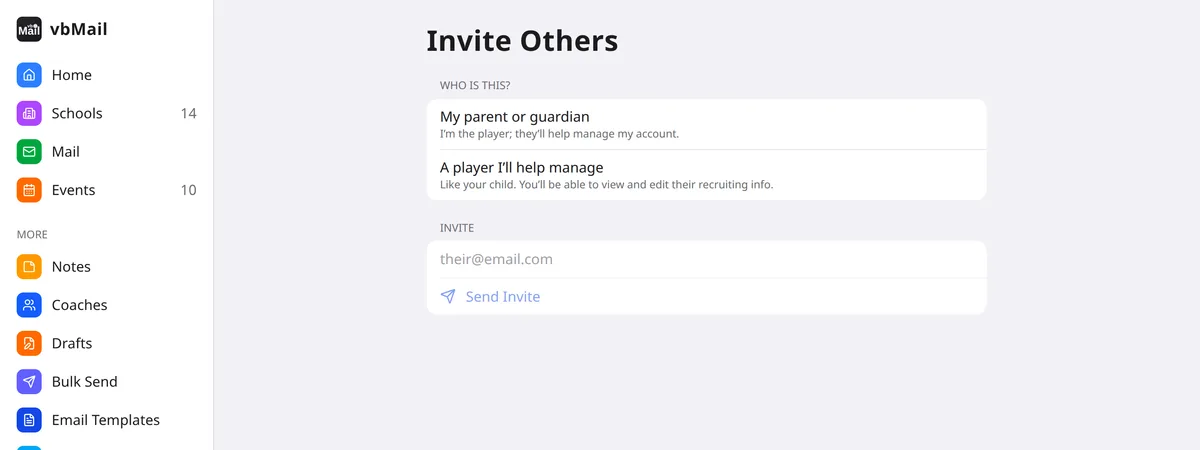
Link Parent and Player accounts. Both parents, or a step-parent, each sign in with their own Google account, and a switcher moves between siblings.
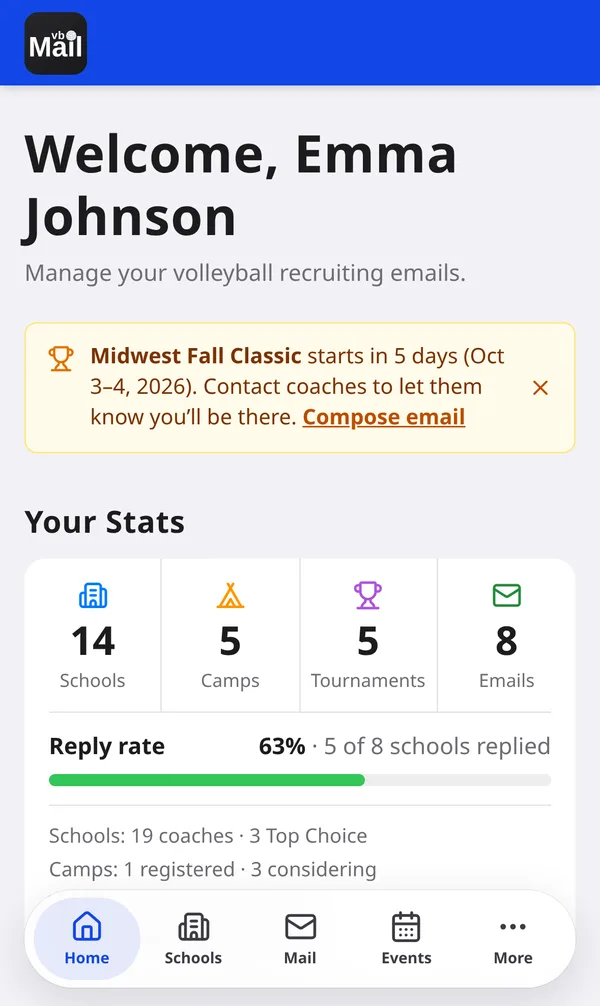
An iOS-style design with a tab bar on phones and a sidebar with split views on iPads and computers. Light and dark mode. Install it to your home screen like an app.

Sign in with the Google account you'll email coaches from. vbMail is invite-only, so you'll need an invite from someone already using it.
Open vbMail